 Android game
Nonogram
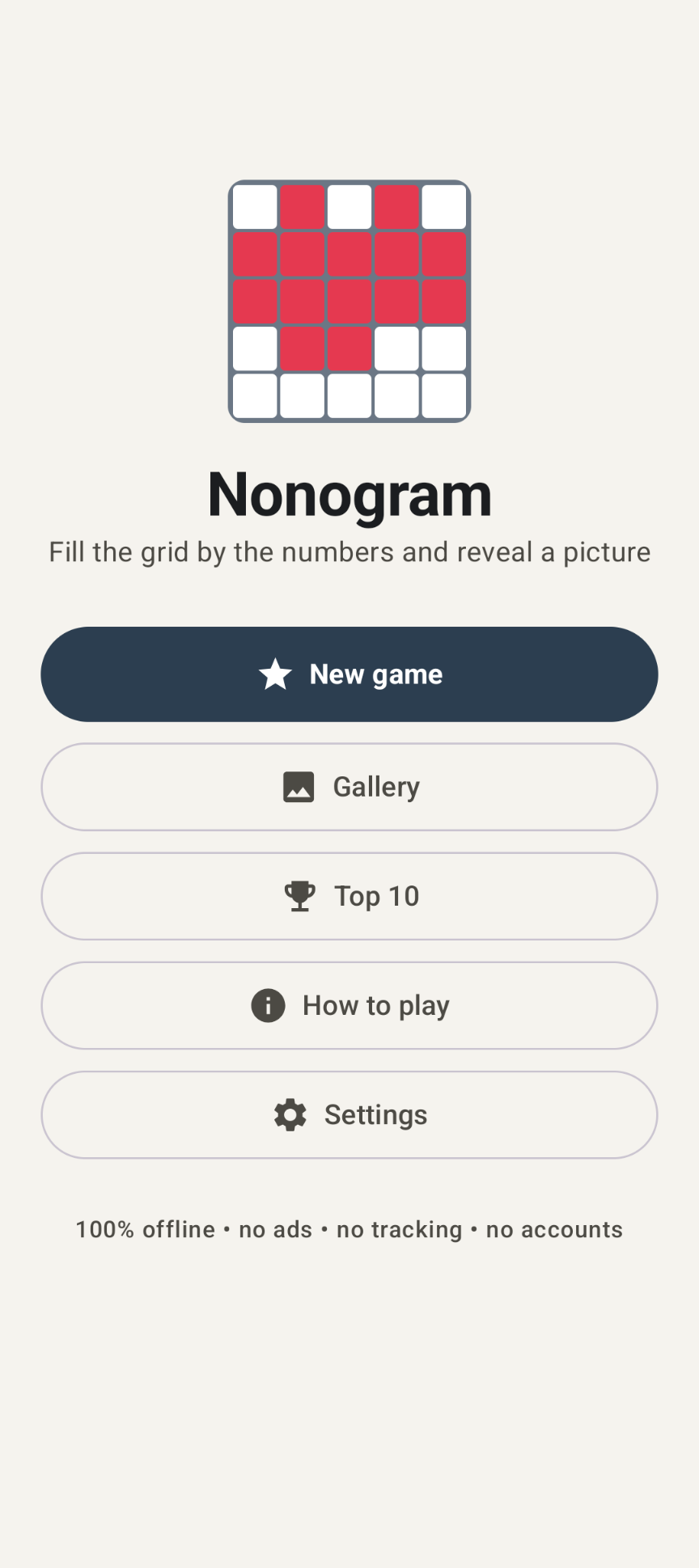
Fill the grid by the numbers and reveal a picture. 85 hand-drawn puzzles, fully offline.
The game
Nonogram (also called Picross or Griddlers) is a picture logic puzzle. The numbers next to each row and above each column tell you the lengths of the blocks of filled cells in that line, in order. Fill the right cells and a hidden picture appears — in color.
The app comes with 85 hand-drawn pictures: a heart, cat, sailboat, rocket, owl, lighthouse, butterfly, castle, dragon and many more. Every puzzle has exactly one solution and can be solved without guessing.
Four difficulty levels
| Level | Grid | Content | Hints | Points × |
|---|---|---|---|---|
| Easy | 5×5 | 30 pictures, then patterns | 4 | 1 |
| Medium | 10×10 | 30 pictures, then patterns | 4 | 2 |
| Hard | 15×15 | 25 pictures, then patterns | 3 | 3 |
| Expert | 15×15 | only patterns that need thinking ahead | 2 | 4 |
Solved every picture of a size? The app creates random patterns, always with exactly one solution.
Highlights
- A Gallery of solved pictures in color, which you can play again
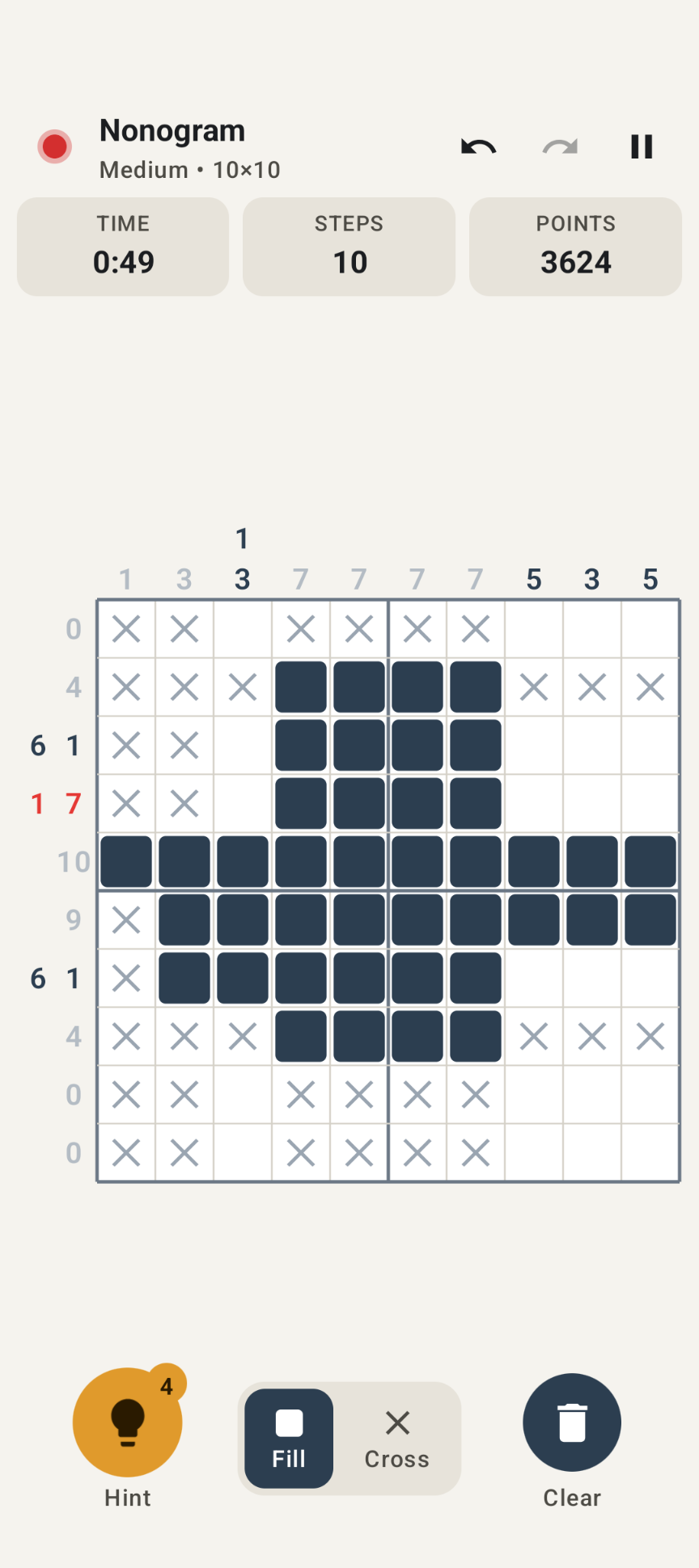
- Solvability indicator: 🟢 every mark agrees with the solution, 🔴 at least one mark is wrong — exact, not a guess
- Explaining hints ("Row 4 (8): however you slide the blocks, they always overlap here…"); Do it performs the step
- Smart clues: gray when a line is correct, red when it can no longer fit; the row and column under your finger light up
- Unlimited undo / redo; Back to green jumps to the last position without mistakes
- Options: auto-cross completed lines, indicator, red clues, line highlight, vibration, keep-screen-on
- Top 10 per difficulty: fastest, fewest steps and most points, with the picture's name
- Pause hides the puzzle and stops the clock; Continue resumes, including the undo history
- Material 3 design with light and dark themes; adapts to phones, tablets and foldables
Download
Why Nonogram isn't on the Google Play Store
Google currently enforces highly demanding and complex requirements to publish new apps (such as mandatory closed testing phases with at least 20 people for 14 days, rigorous identity verification, and heavy administrative overhead). Because we build apps purely for our own enjoyment and want to keep it simple, we prefer to share the app with you directly.
How to Install the App
- Directly on your phone: Open the downloaded file. If prompted, allow your browser or file manager to "Install unknown apps" from outside the Google Play Store. Google started blocking this way of installing APK files.
- Via your computer: Connect your phone to your computer with a USB cable and install the app using Android Debug Bridge (ADB).
By downloading you agree to the Privacy Statement & Disclaimer. Use is entirely at your own risk.
How to install an APK directly on your phone
- Tap the download button above and wait for nonogram.apk to finish downloading.
- Open the file (via your notification shade or the Files app).
- Android will ask permission to install unknown apps. Tap Settings and enable "Allow from this source" for your browser or file manager.
- Go back and tap Install.
- Open Nonogram when installation completes.
Installing apps from outside the Play Store is a normal Android feature. You can turn the "unknown sources" permission back off afterwards if you prefer.
How to install an APK via your computer
The cleanest, safest, and most secure way to install an APK file—without modifying your phone's mobile security settings or enabling "Unknown Sources"—is via ADB (Android Debug Bridge) from your computer. This is an official command-line utility supplied by Google for Android developers.
Step 1: Download ADB on your computer (The fastest way)
You do not need to install the massive Android Studio suite. Google provides a lightweight, standalone package called Platform-Tools.
- Windows: Download the official Android SDK Platform-Tools for Windows.
- Mac / Linux: Download the zip package above or install it instantly via your terminal line:
- Mac (via Homebrew): Run
brew install android-platform-tools - Linux (Ubuntu/Debian): Run
sudo apt install adb
- Mac (via Homebrew): Run
Note: If you downloaded the ZIP file (Windows/Mac), extract it into an easy-to-reach directory, such as C:\platform-tools or your Desktop.
Step 2: Prepare your Android phone
- Open the Settings app on your phone.
- Go to About phone (or System > About).
- Tap Build number 7 times rapidly until a notification pop-up says: "You are now a developer!".
- Return to the main Settings menu, open the new Developer options panel, and turn on USB debugging.
Step 3: Install the APK file
- Connect your phone to your computer using a USB cable.
- Look at your phone's screen: a prompt will ask "Allow USB debugging?". Check the option for “Always allow from this computer” and tap Allow.
- Move your downloaded APK file directly into the folder where you extracted the platform-tools files.
- Open Command Prompt (CMD) on Windows or Terminal on Mac/Linux, and change directories to that folder (e.g., on Windows, type:
cd C:\platform-tools). - Run this command to verify your computer properly detects your device:
(If you see a serial number followed by the word 'device', you are connected successfully!)adb devices - Run the installation script command:
adb install nonogram.apk
When the terminal returns a Success message, the app is fully installed on your device and ready to launch!
How to play
1. Start a puzzle
On the menu, tap New game and choose a difficulty. The page shows how many pictures you have solved per level.
2. Read the clues
3 1 means: first a block of 3, later a block of 1, with at least one empty cell in between. 0 means the whole line is empty.
3. Fill and cross
Tap to fill a cell, or to cross it with the Cross tool. Drag to fill or cross a whole strip of a row or column in one step. Start on a filled cell to erase.
4. Reveal the picture
When every clue fits, the picture appears in color with a wave and confetti, and goes to your Gallery.
Points & top 10
| Part | Points |
|---|---|
| Base | 1,000 |
| Time bonus | +2 per second under par (Easy 2 min, Medium 8 min, Hard 20 min, Expert 30 min) |
| Hint | −150 per hint |
| Mistake | −50 per mark that turns the indicator red (even if you undo it) |
| Difficulty | everything × 1, 2, 3 or 4 |
Only solved puzzles enter the top 10. A step is one tap or one drag, so smart dragging gives a better "fewest steps" score.
- Line logic: on Easy, Medium and Hard, every step follows from one row or column at a time.
- Thinking ahead: on Expert you sometimes have to assume a cell is filled and see that a line can then no longer fit.
Permissions this app requests
- No internet, no mobile or Wi-Fi data. Android blocks all network access for the app.
- No background running. No services, jobs or alarms. When the game leaves the screen, it pauses, saves itself and stops all work; it continues when you return. Vibration and keep-screen-on need no permission.
Privacy & cost — in plain terms
- No usage data collected. No analytics, crash reporting or advertising SDKs, and no Google Play services or Firebase.
- No personal data requested. There are no accounts, no sign-up, no login.
- No cookies. The app is not a web app and stores no cookies; this website sets none either.
- No internet connection. The game works fully offline.
- No payment, ever. The game is completely free, with no ads and no in-app purchases.
Your settings, solved pictures, top 10 and the game in progress are stored only in a private file on your device. Cloud backup and device transfer are disabled. For the full statement, see Privacy & Disclaimer.
Provided as is
Nonogram is a hobby project, shared for learning and fun. It is provided "as is", without any warranty. Please read the full Privacy Statement & Disclaimer before use — by installing or using the app you accept those terms.
Images